Guide
The Mobile App Development Process
Follow the key app stages, from first idea to ongoing updates.
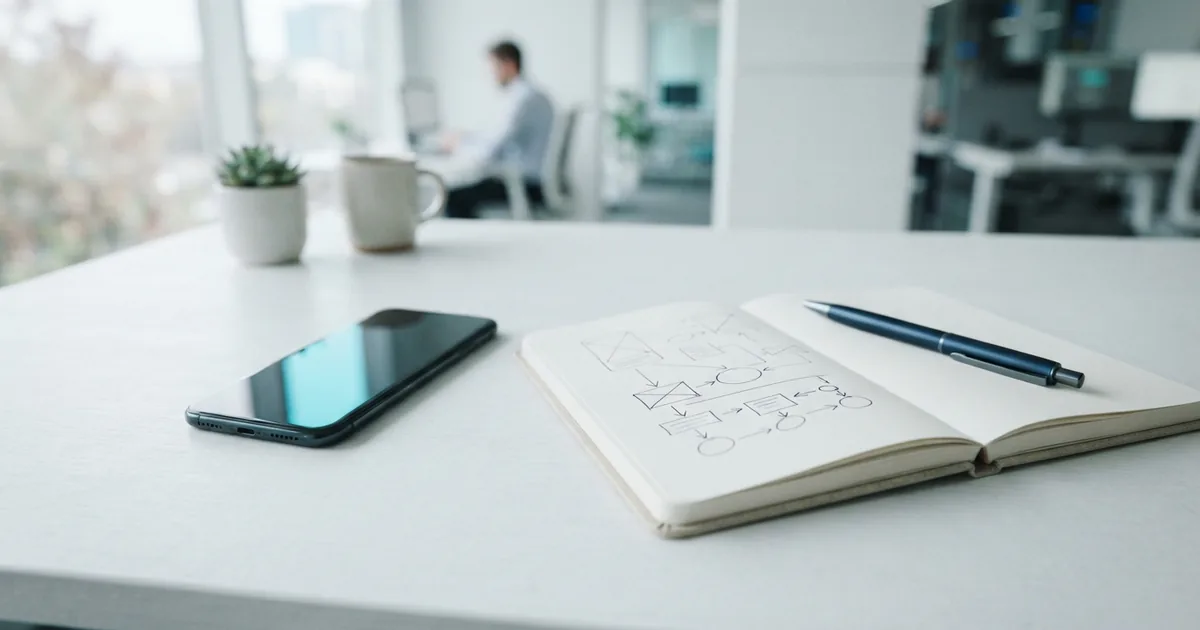
Introduction to the mobile app development process
Mobile app development is the work of planning, designing, building, and supporting software for phones and tablets. The process of mobile app development turns a real user need into a working product. It may also involve servers, data, and links to other tools.
Apps help people shop, learn, work, and manage daily tasks. A useful app can make a service easier to reach and build trust. A poor app can lose users, even when its main idea is strong.
The mobile app development process gives teams a shared path from idea to launch. It helps them set goals, manage cost, and spot risks early. The steps can overlap, but clear checks reduce missed needs and rework.
For beginners, start with the problem rather than a long feature list. A grocery app might help shoppers reorder common items in under a minute. That goal can guide design choices and later tests.
Stages of mobile app development
The app development process steps often include ideation, planning, design, development, testing, deployment, and maintenance. Each stage answers a different question. Together, they form a mobile app development process flow that teams can adapt to their product.
- Ideation: Define the user problem, audience, and value. Check whether an app is the right answer.
- Planning: Set the first release scope, budget, roles, and success measures. Note risks and outside systems.
- Design: Map user tasks, sketch screens, and test a simple model. Improve the flow before coding.
- Development: Build the app, data layer, and server features. Ship work in small, reviewable parts.
- Testing: Check key tasks, ease of use, speed, and device fit. Fix faults before release.
- Deployment: Prepare store details, release settings, and support plans. Launch, then watch for problems.
- Maintenance: Fix bugs, improve features, and keep up with new devices and system updates.
This app development step by step process works best when teams also set limits. Decide what the first version will not include. A meal planner might launch with recipes and shopping lists, while saving social sharing for later.
Agree on measures before work starts. Teams can track sign-up completion, task success, crash rates, or repeat use. These numbers show whether the app meets its goal.
An agile mobile app development process breaks work into short cycles. Teams build a small set of features, review them, and adjust the next cycle. This approach helps when user needs may shift, but it still needs clear goals and scope.
Design around real user needs
User experience (UX) is how people move through an app and finish tasks. User interface (UI) means the screens and controls they use. Both shape whether the app feels clear and easy to trust.
The app development design process should begin with the main user tasks. Sketch the shortest sensible path for each one. In a payment flow, show the amount, next step, and result in plain terms.
Test rough screens with a few people from the intended audience. Ask them to finish a task without help. Notice where they pause or make errors, then revise the screens.
Design for access needs and different screen sizes. Use readable text, clear contrast, and controls that are easy to tap. Give users feedback when an action works or fails.
Do not leave design until coding ends. Early tests can expose confusing steps before they become costly changes. A simple prototype can answer key questions without a finished app.
Choose an app development approach
The right build method depends on users, budget, features, and expected lifespan. Teams can build for one platform, share code, or deliver features through a web browser. Each choice has trade-offs.
- Native apps are built for one system, such as iOS or Android. What is native app development? It is a way to build with tools made for that system. Native apps can use device features well, but separate builds may cost more.
- Cross-platform apps share much of their code across systems. This can speed up work, though some device features may need custom code.
- Hybrid apps place web-based screens inside a native app shell. They may suit simpler products, but can need tuning for a smooth feel.
- Progressive web apps run in a browser and can offer app-like features. They are easy to share, but access to device tools can vary.
Native development can fit apps that need fast graphics, deep device access, or a tailored platform feel. A shared-code build may suit a service that needs similar features on both major systems.
The iOS app development process and Android app development process share broad stages. Yet each platform has its own design patterns, tools, and store rules. Teams should test on real devices and check current platform needs before launch.
For a small team, low-code tools can help make a first version with less custom code. They may not fit complex features or strict control needs. An enterprise mobile app development project may also need extra care for access, data, and links to business systems.
Healthcare apps can bring added needs for privacy, safety, and clear user guidance. The app plan should account for those needs before design and build work begins. Pick the approach based on the product, not on trend alone.
Testing, launch, and ongoing care
Quality assurance (QA) checks whether the app works as planned. Function tests check each key action, such as sign-in or search. Usability tests show whether people can finish tasks without getting stuck.
Performance tests check load time, response, and behavior under strain. Teams should also test different screen sizes, system versions, and network conditions. A feature that works on one phone may fail on another.
Before launch, check the release build, store details, and support plan. Roll out in a measured way when possible. Watch crash reports and user feedback once the app is live.
Maintenance is part of the process, not a final extra. Systems change, devices age, and user needs shift. Regular updates can fix faults, improve speed, and keep the app useful.
Set aside time and budget for this work. Review feedback and usage measures on a steady schedule. Fix urgent faults first, then weigh new features against the app's main goal.
What comes next for app teams
New tools can change how teams plan and build apps. AI features may help sort information or offer useful suggestions. They need careful checks so results stay clear and safe for users.
AR and VR can add ways to view products, learn skills, or explore spaces. These features make sense when they help users complete a real task. They add little value when they exist only for show.
Low-code tools may also help teams test ideas faster. Still, teams must judge security, scale, and long-term support before relying on them. The best app development process keeps the user problem at its center.
There is no single path that fits every product. Define the need, choose a fitting build method, and test often. Strong planning and steady updates help an app stay useful after launch.
Frequently asked questions
What are the main steps in mobile app development?
Most projects move through ideation, planning, design, development, testing, deployment, and maintenance. Teams may repeat some stages as they learn from users.
How long does the app development process take?
Timing depends on the app's features, team size, and platform needs. A small first release may take less time than an app with many systems or custom features.
What is native app development?
Native app development builds an app for one platform, such as iOS or Android. It can offer strong access to device features, but teams may need separate builds.
What is the difference between native and cross-platform apps?
Native apps are built for one platform, while cross-platform apps share much of their code across platforms. The best choice depends on features, cost, and the user experience needed.
Why are testing and maintenance important for mobile apps?
Testing helps find faults before users meet them. Maintenance keeps the app working as devices, systems, and user needs change.